

Shoptech Software
93%
of students served through virtual classrooms
Shoptech moved from face-to-face training to ReadyTech virtual classrooms, closing two physical training facilities.
Read the Shoptech StoryReadyTech gives instructors more than a virtual meeting room. Plan the class, guide participation, manage learner support, connect instruction to hands-on labs, and track performance across the full training day.
 ISO 27001Information security
 G2 Best Estimated ROI
Virtual IT Labs · Enterprise · Fall 2026










Walking through a virtual class and seeing students work is very useful. Students know I am watching through the on-screen pop-up, so guiding them by voice is seamless.
Guy Stone
Built for technical training
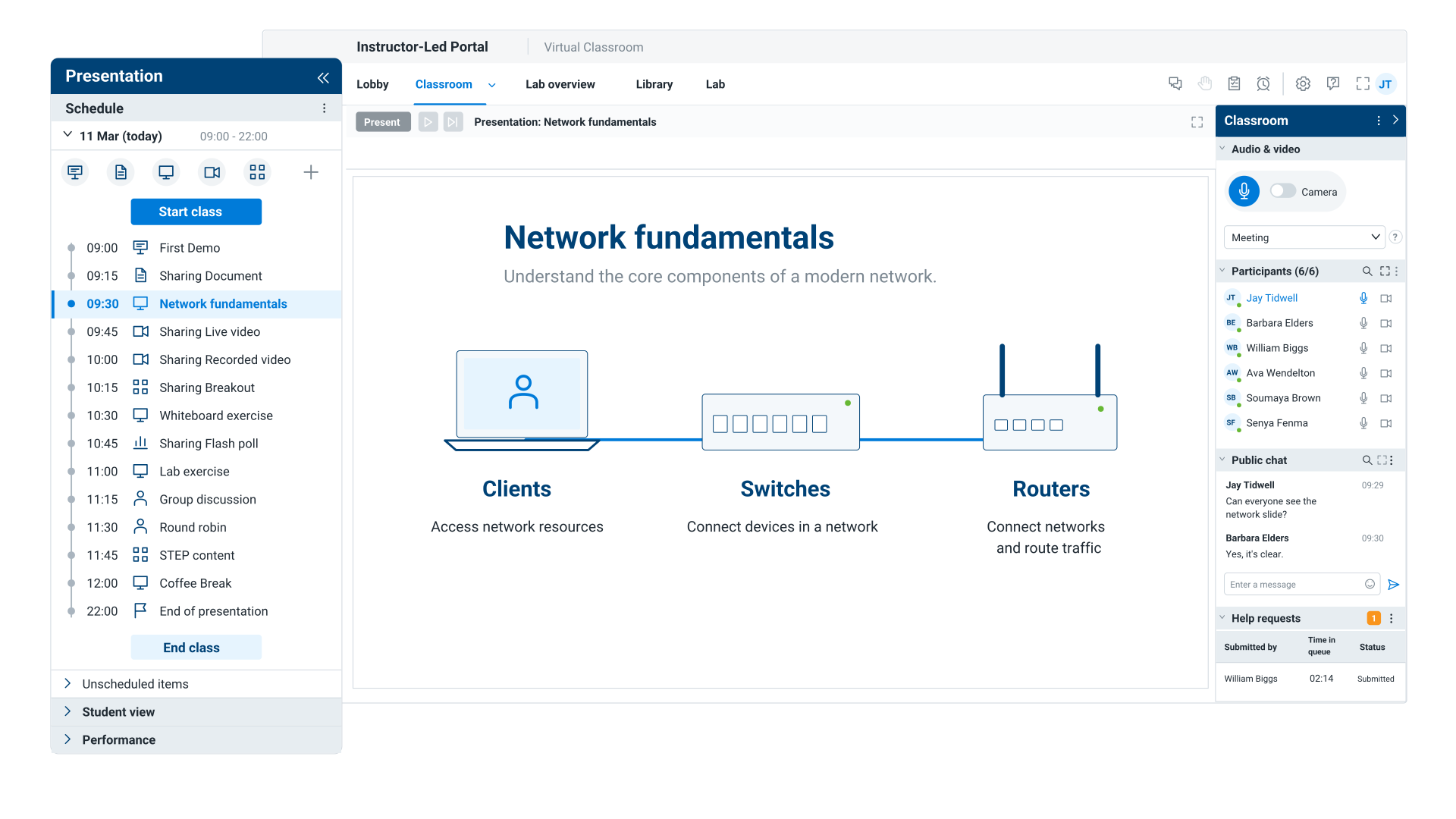
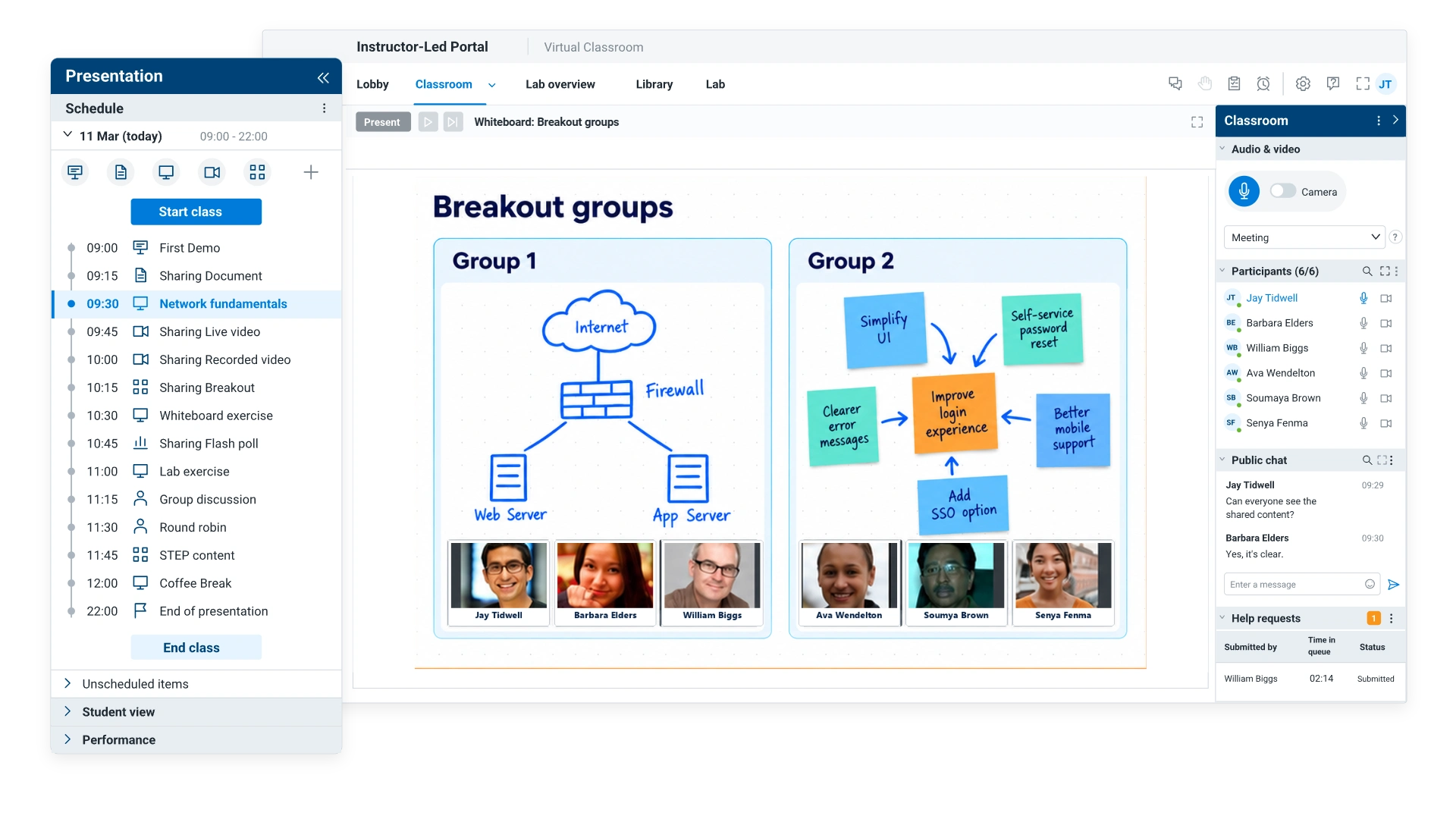
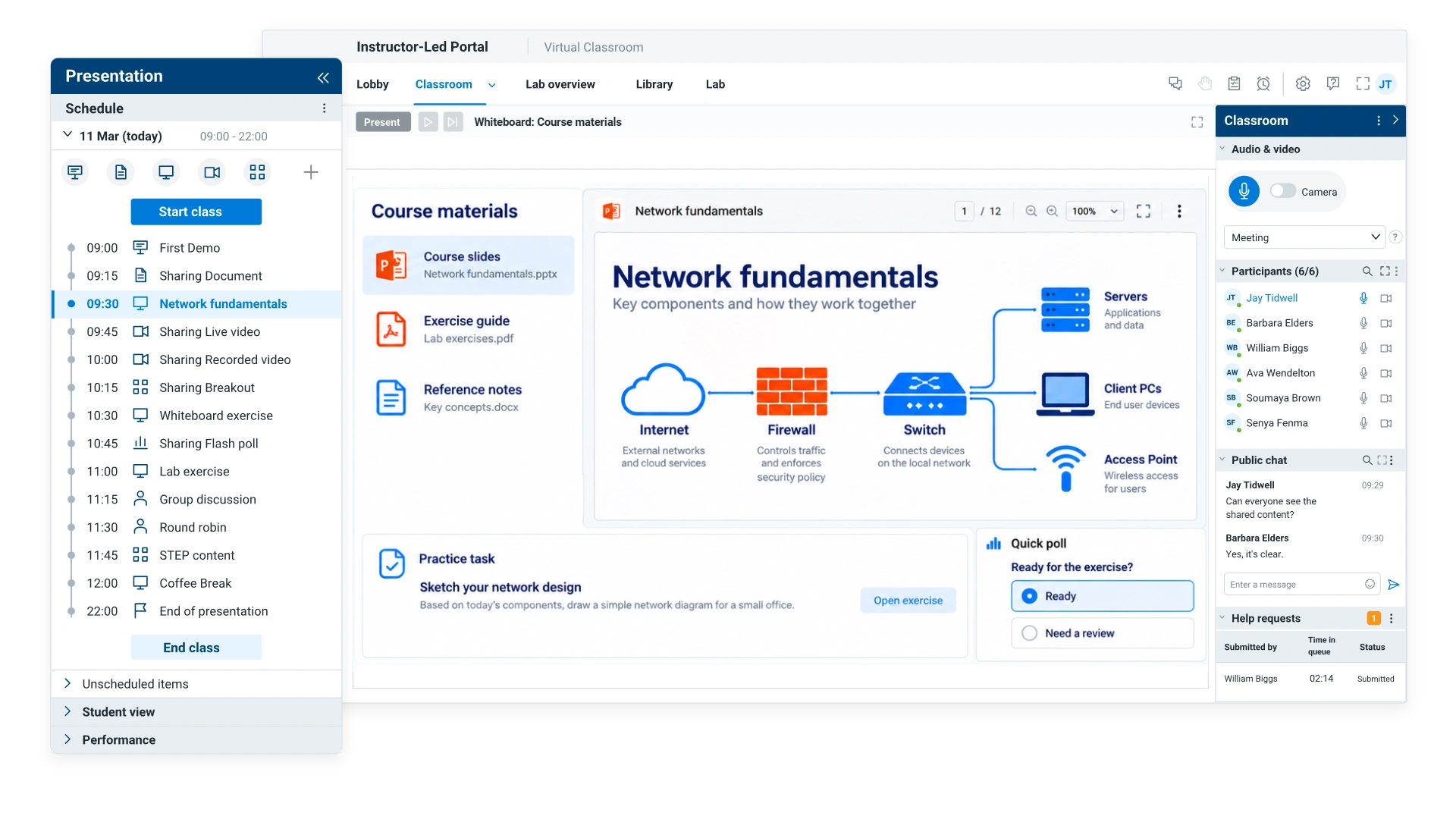
With ReadyTech’s Virtual Classroom, the parts of a training day stay connected. Instruction, participation, help requests, labs, and session results stay in one place, so instructors spend less time switching between tools and more time teaching, and learners stay engaged from start to finish.
Technical training needs more than a meeting link. Instructors need structure, pacing, support workflows, lab connections, course materials management, and visibility into what actually happened.
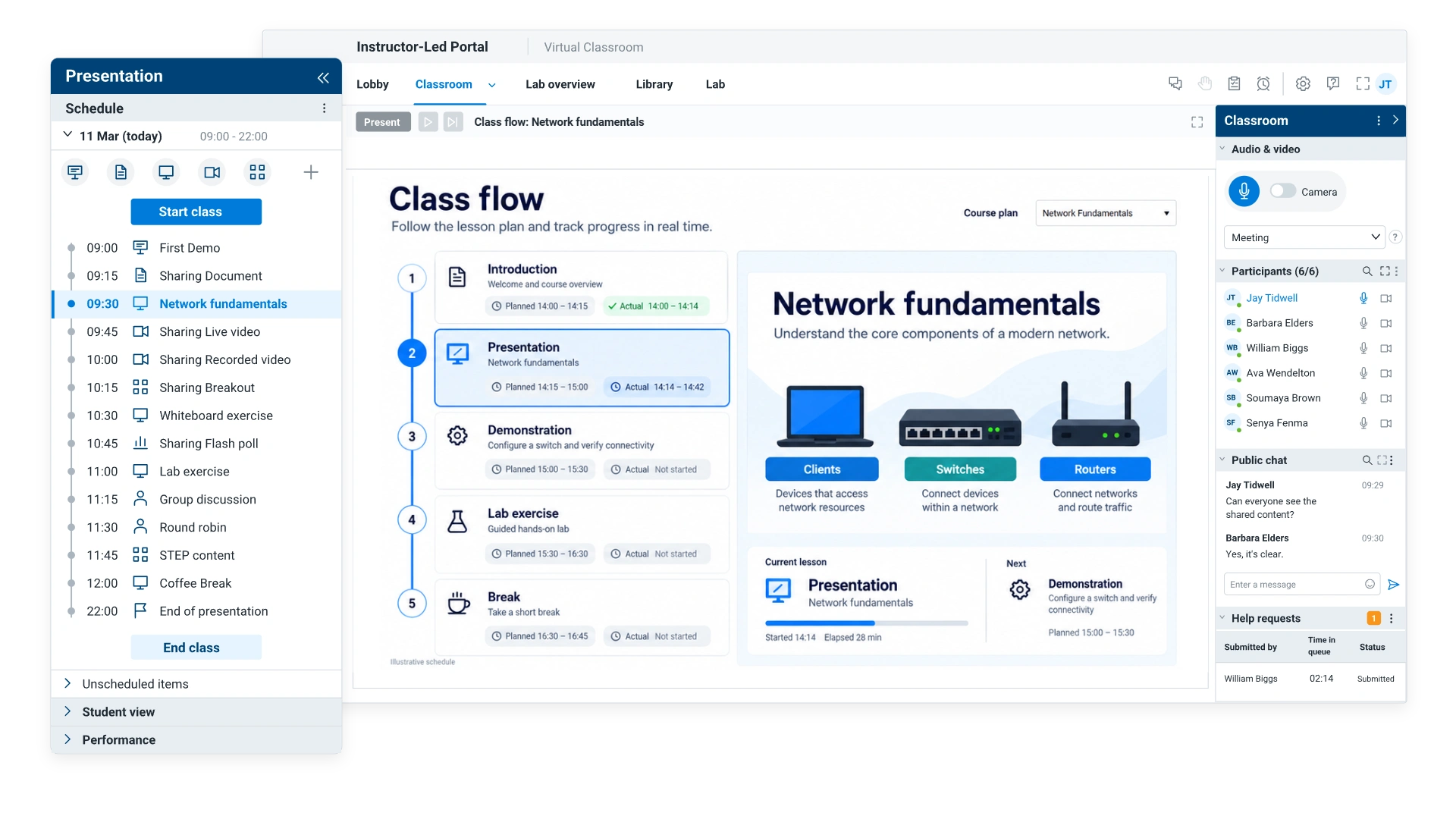
Class flow planning
Scheduled vs. unscheduled items, planned vs. actual durations, projected times when the day slips.
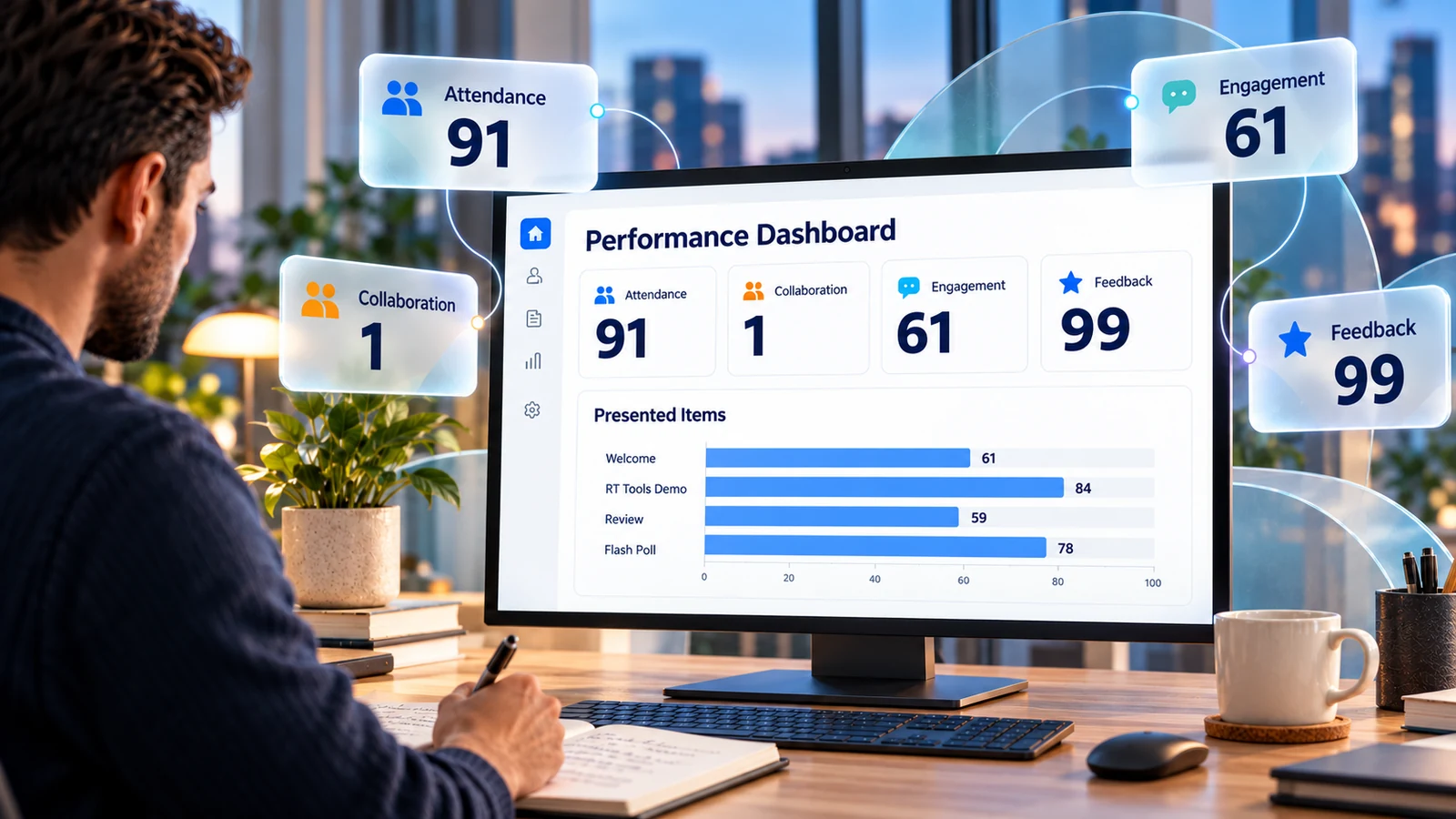
Performance dashboard
The dashboard is timely, not distracting. Instructors can review performance during breaks, between class days, or after delivery to improve the next session.
Supporting features
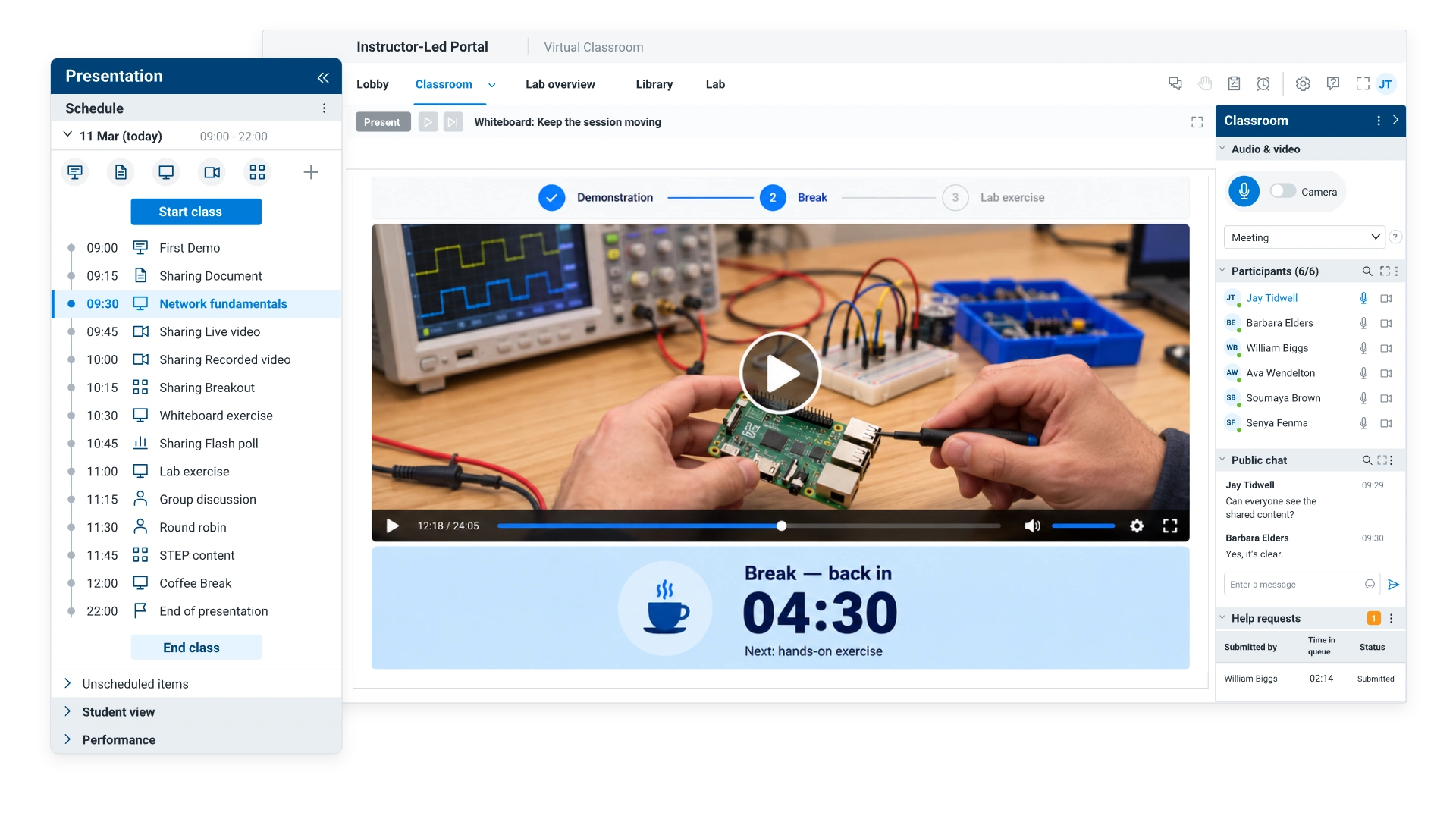
The differentiator is class orchestration. These tools round out the live training experience and help instructors keep sessions interactive, organized, and supported.
Together, these tools help instructors run the full classroom experience instead of stitching together video calls, chat, files, polls, labs, and reporting across disconnected tools.
Customer stories
See how customers use ReadyTech to deliver and manage hands-on training.
93%
of students served through virtual classrooms
Shoptech moved from face-to-face training to ReadyTech virtual classrooms, closing two physical training facilities.
Read the Shoptech Story

300%
increase in students trained, 2011–2016
Epicor moved beyond WebEx to combine hosted hands-on labs, class management and instructor screen visibility in ReadyTech.
Read the Epicor WebEx Story

230%
growth in online classes, 2006–2014
Informatica selected ReadyTech for reliable customer training and grew its online classes by 230% between 2006 and 2014.
Read the Informatica StoryWhat instructors and training teams say about ReadyTech.
Based on 233 reviews on G2
“I like how I can have both a VM and a classroom environment running at the same time, and the seamless transition between the two. This is something that our current tool does not have.”
“The Class Manager tool makes it easy to share desktops, take control, and demo students' desktops in the virtual environment.”
“I also really appreciate the ability to pop-out section of the screen so I can view multiple areas at once.”
Connected solutions
Bring lab access, live instruction and on-demand learning into one training program.
ReadyTech connects the pieces of hands-on training delivery, but each capability has a different job.
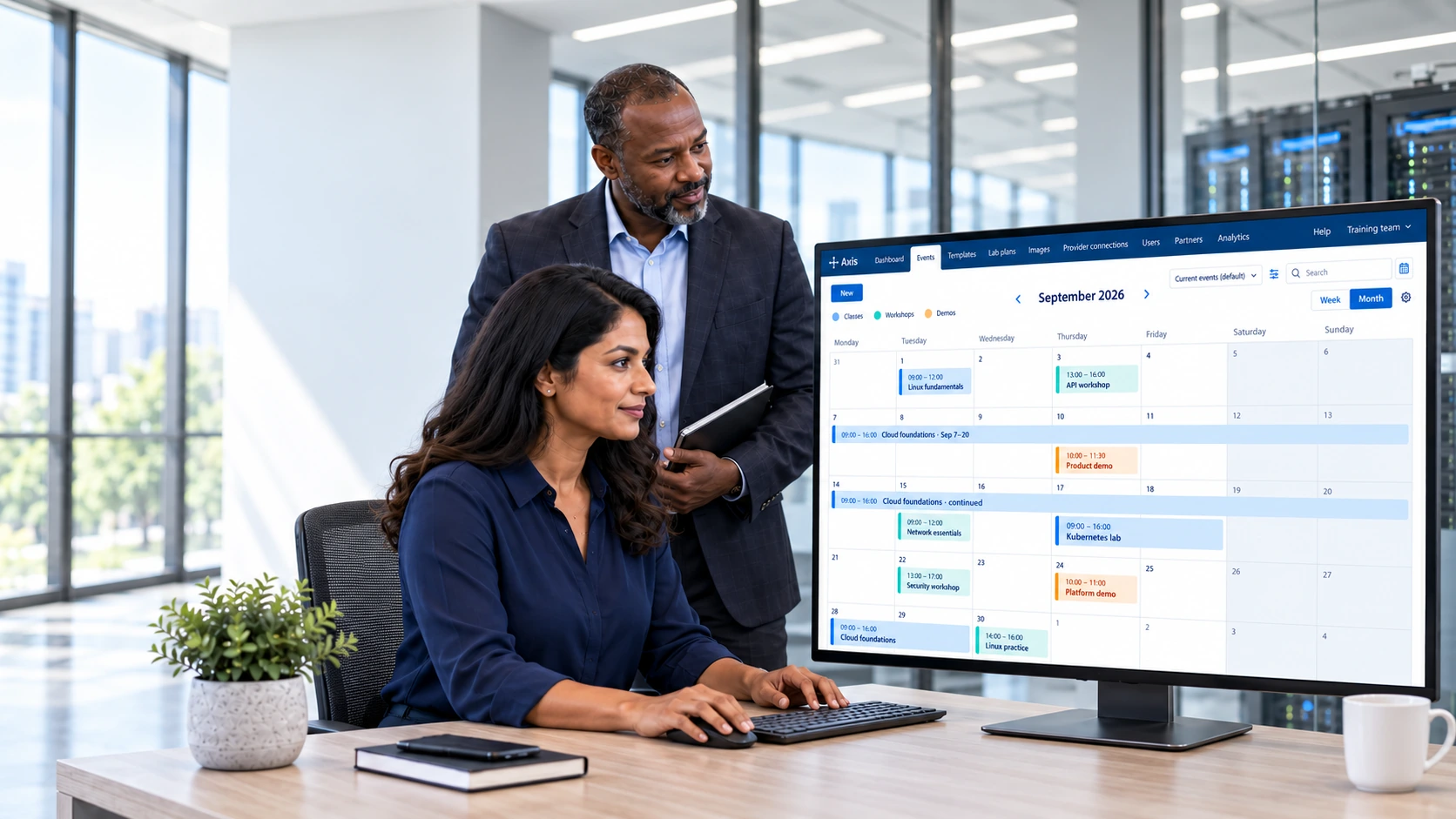
Schedule, provision, and manage training labs across your hosting environments.
Explore Lab Management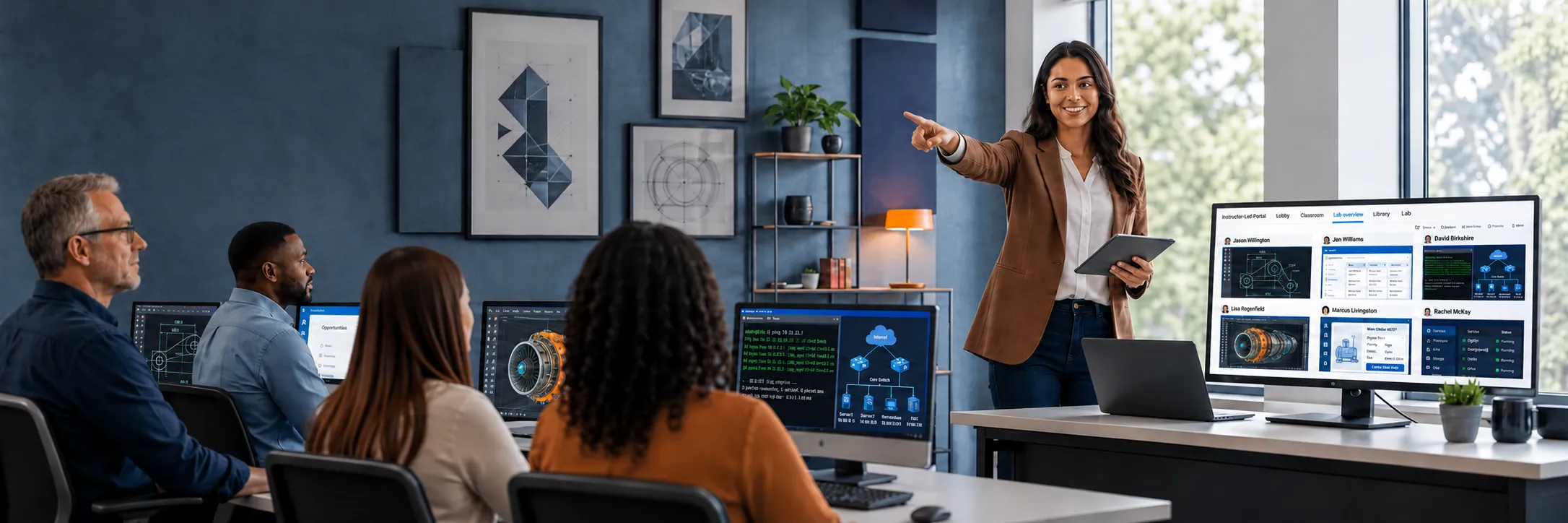
See learner labs in real time and take or share control when someone needs help.
Explore Lab Overview
Bring presentations, conversation, and learner participation together for live training.
Explore Virtual ClassroomLearn about Virtual Classroom
Answers to common questions about running live technical training in the ReadyTech Virtual Classroom.
Get started
Run technical training with classroom structure, learner support, lab connections, and performance insight built into the platform.
Give instructors more than a meeting link. ReadyTech helps training teams plan the day, manage participation, support learners, connect to hands-on practice, and understand how each part of class performs. Get a demo to see the Virtual Classroom in action, or request a 30-day free trial to run a class of your own.