



Epicor
300%
increase in students trained, 2011–2016
Epicor moved beyond WebEx to combine hosted hands-on labs, class management and instructor screen visibility in ReadyTech.
Read the Epicor WebEx StoryLab Overview helps instructors see what is happening inside learner labs, take control and share screens to keep learners engaged and on track.
 ISO 27001Information security
 G2 Best Estimated ROI
Virtual IT Labs · Enterprise · Fall 2026










Our customers and trainers greatly appreciate the enhanced oversight and seamless communication this feature enables
Luigi Marra
Generic meeting tools are useful for video, chat, and screen sharing. But when learners move into Virtual IT Labs, instructors need more than a meeting tool.
They need to see who is working, who is stuck, and who has gone quiet. They also need a way to step in without asking for screen shares, opening another tool, or slowing down the whole class.
ReadyTech Lab Overview gives instructors one view of learner labs, plus the controls to take action when help is needed.
Lab Overview brings the physical classroom walkaround to the instructor’s screen. Instructors can see learner lab activity, identify who needs help, and take control of the right lab without turning one learner’s issue into a class-wide delay, with clunky screen sharing features you find in meeting tools.
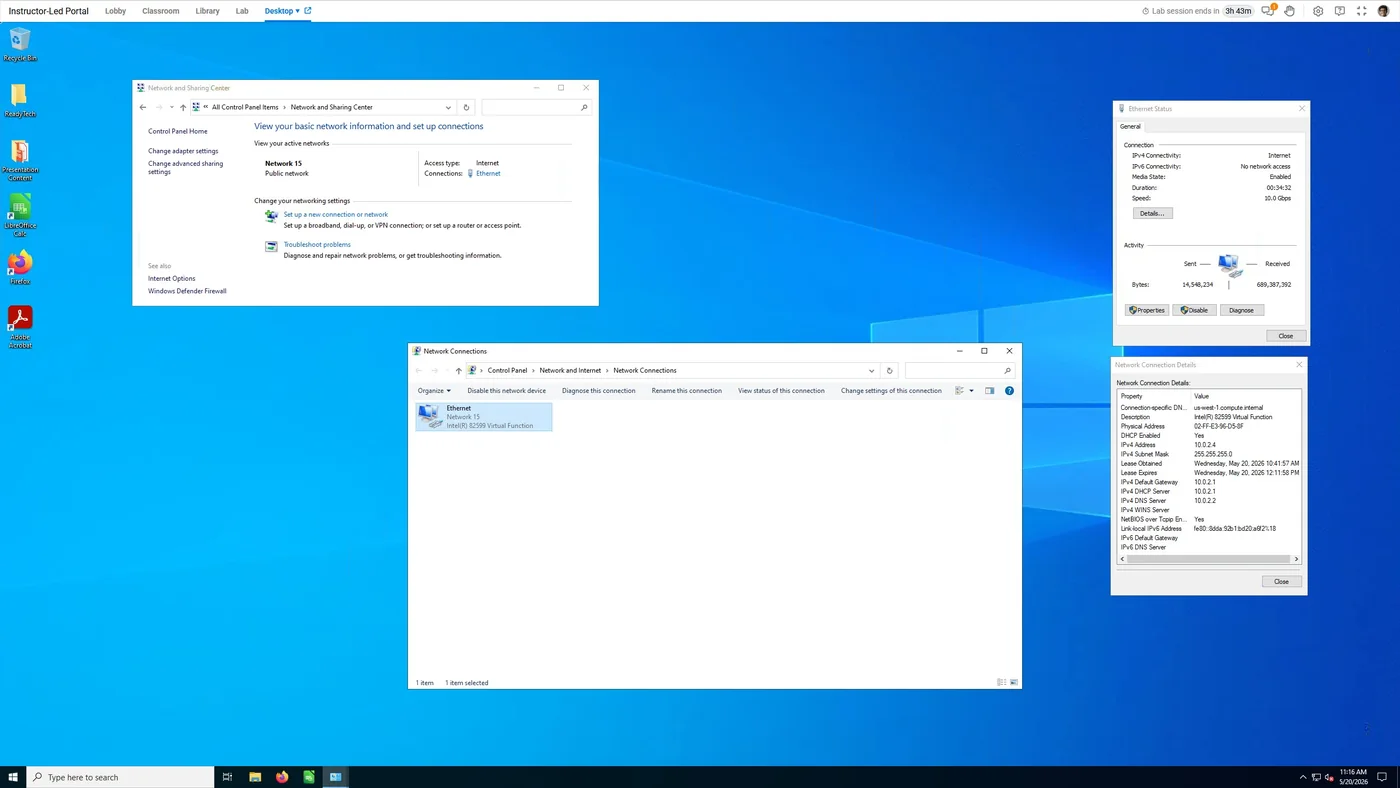
Instructors spend less time asking “Can you share your screen?” and more time helping learners move forward. Save time, frustration, and improve learners’ educational outcomes.
Instructors know what is happening inside learner labs.
Help starts without waiting on screen-share requests or tool switching.
One stuck learner does not have to interrupt everyone.
Lab visibility and control help instructors feel more connected with the learners.
Different programs need different lab setups. Some use cloud provider hosted labs. Others use in-house infrastructure, local machines, ReadyTech-hosted labs, or custom hardware. Lab Overview gives instructors a consistent live view regardless of the lab delivery model, so they can monitor learner activity, spot inactivity, transfer files, and step in when help is needed.
Your AWS, Azure, GCP, or Oracle Cloud account, orchestrated by Axis. Schedule, provision, control regions, trim spend.
See cloud-hosted →Turn your on-premise compute resources into virtual training labs.
See In-House labs →The perfect balance between performance and price.
See ReadyTech hosted labs →Powerful bare metal servers, an ideal solution for running hypervisor, ESXi, or Hyper-V.
See ReadyTech hardware labs →ReadyTech connects the pieces of hands-on training delivery, but each capability has a different job.
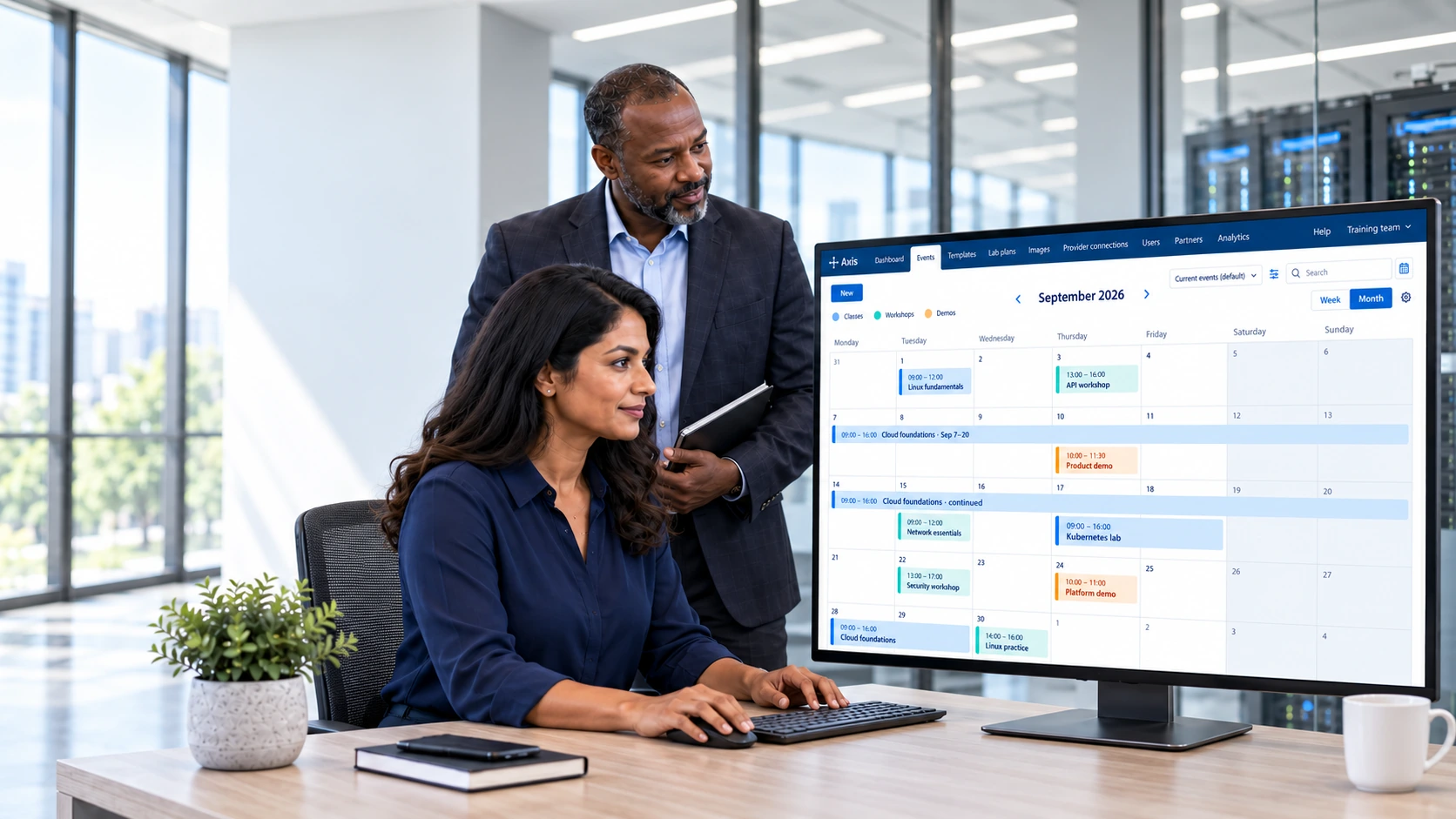
Schedule, provision, and manage training labs across your hosting environments.
Explore Lab Management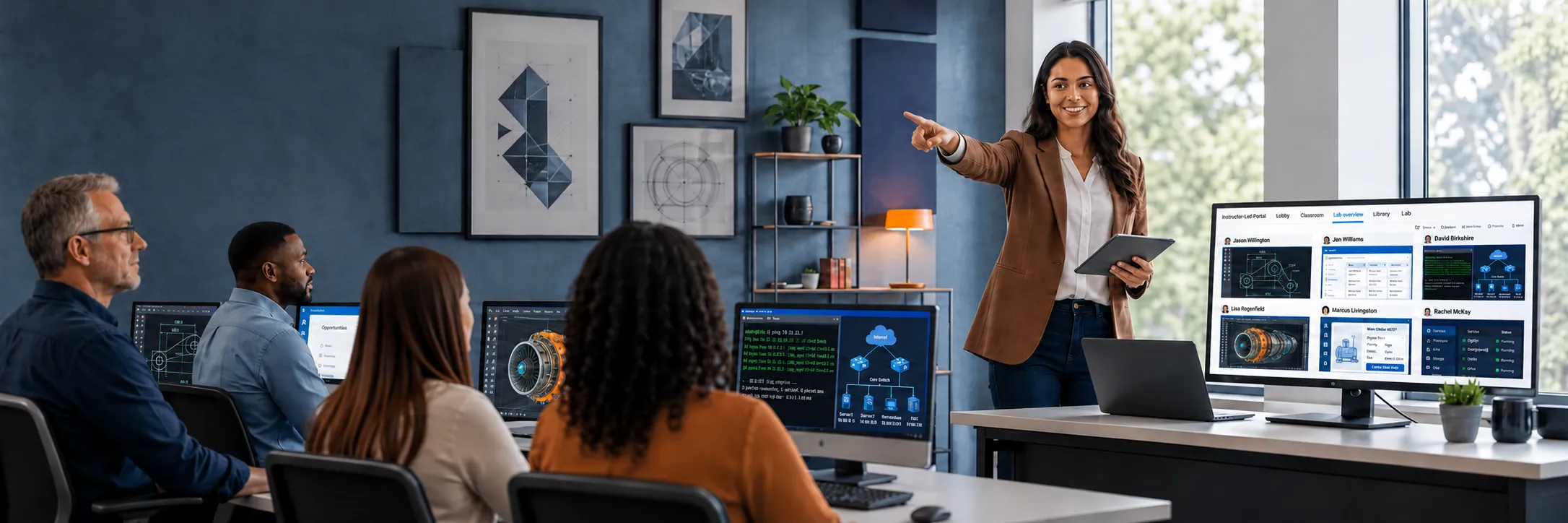
See learner labs in real time and take or share control when someone needs help.
Explore Lab Overview
Bring presentations, conversation, and learner participation together for live training.
Explore Virtual ClassroomCustomer stories
See how customers use ReadyTech to deliver and manage hands-on training.
300%
increase in students trained, 2011–2016
Epicor moved beyond WebEx to combine hosted hands-on labs, class management and instructor screen visibility in ReadyTech.
Read the Epicor WebEx Story

230%
growth in online classes, 2006–2014
Informatica selected ReadyTech for reliable customer training and grew its online classes by 230% between 2006 and 2014.
Read the Informatica Story
83%
reduction in training costs
Johnson Controls moved hands-on Metasys training online, reducing travel, shipping and facility costs.
Read the Johnson Controls StoryWhat instructors and training teams say about ReadyTech.
Based on 233 reviews on G2
“The ability to see each student's lab while they work and take control to help them when needed.”

“The ability to view all participants' desktop environments in a single window.”
“The lab solution permits an instructor to "look over the shoulders" of participants and help them with their exercises. If there's ever an issue, RT is very fast and finds a solution within a few minutes.”
Learn about Lab Overview
Answers to common questions about monitoring, controlling, and supporting learner labs during live hands-on training.
Lab Overview
Give instructors the visibility and control they need to run better Virtual IT Labs. Get a demo to see how Lab Overview helps your team monitor learner labs, support students faster, and keep hands-on training moving, or request a 30-day free trial to run a class of your own.