


★★★★★
5.0 / 5 on G2
“ReadyTech allows you to host a training site without having to maintain individual servers or technology. Attendees can access it via an internet browser, and the system is very user-friendly.”

Fiserv
Reviewed on G2

ReadyTech helps training teams deliver live instruction, virtual IT labs, and self-paced learning in one connected platform, with the instructor visibility, lab control, and support needed to scale training globally.
 ISO 27001Information security
 G2 Best Estimated ROI
Virtual IT Labs · Enterprise · Fall 2026









During the first lockdown here in the UK, ReadyTech has enabled us as a business to continue to deliver technical training to our client base and maintain that classroom feeling.
Chris Lofthouse
Connected solutions
Bring lab access, live instruction and on-demand learning into one training program.

Bring live instruction and hands-on practice together.
Explore Virtual Instructor-Led Training
Offer practice and course materials on demand.
Explore Self-Paced Training
Deliver browser-based hands-on labs with a choice of hosting environments.
Explore Virtual IT LabsWhy ReadyTech
Give learners hands-on experience with your software and give instructors the tools to guide them. ReadyTech brings live classes, virtual IT labs, and self-paced courses together, with lab environments that fit your training and support whenever you need it.
Bring the virtual classroom, hands-on labs, course materials, assessments, and analytics together. Move from instruction to practice while keeping the tools instructors and learners need in one platform.
See learners working across the class, spot where they need help, and take or share control to guide them directly. Reset supported lab environments when learners need a fresh start.
Make joining training straightforward. Learners access the virtual classroom and remote labs through their browser, without browser plug-ins, software installations, or a VPN for remote lab access.
Use your cloud account, on-premise systems, or learners’ computers—or choose ReadyTech-hosted cloud, bare metal, and custom hardware. Match the labs to your course, software, and equipment requirements.
Choose pay-as-you-go or month-to-month pricing to suit your training volume. Plan around the courses you deliver, with room to adjust as your program changes.
Get live support, 24 hours a day, every day of the year. Help is available for instructors, learners, and administrators before, during, and after training, across time zones.
Virtual IT Labs
Every training environment is different. ReadyTech gives you more ways to run hands-on labs while keeping instructors, learners, and lab management in one platform than any other option out there.
Choose the environment that fits your infrastructure, security, hardware, and training requirements.
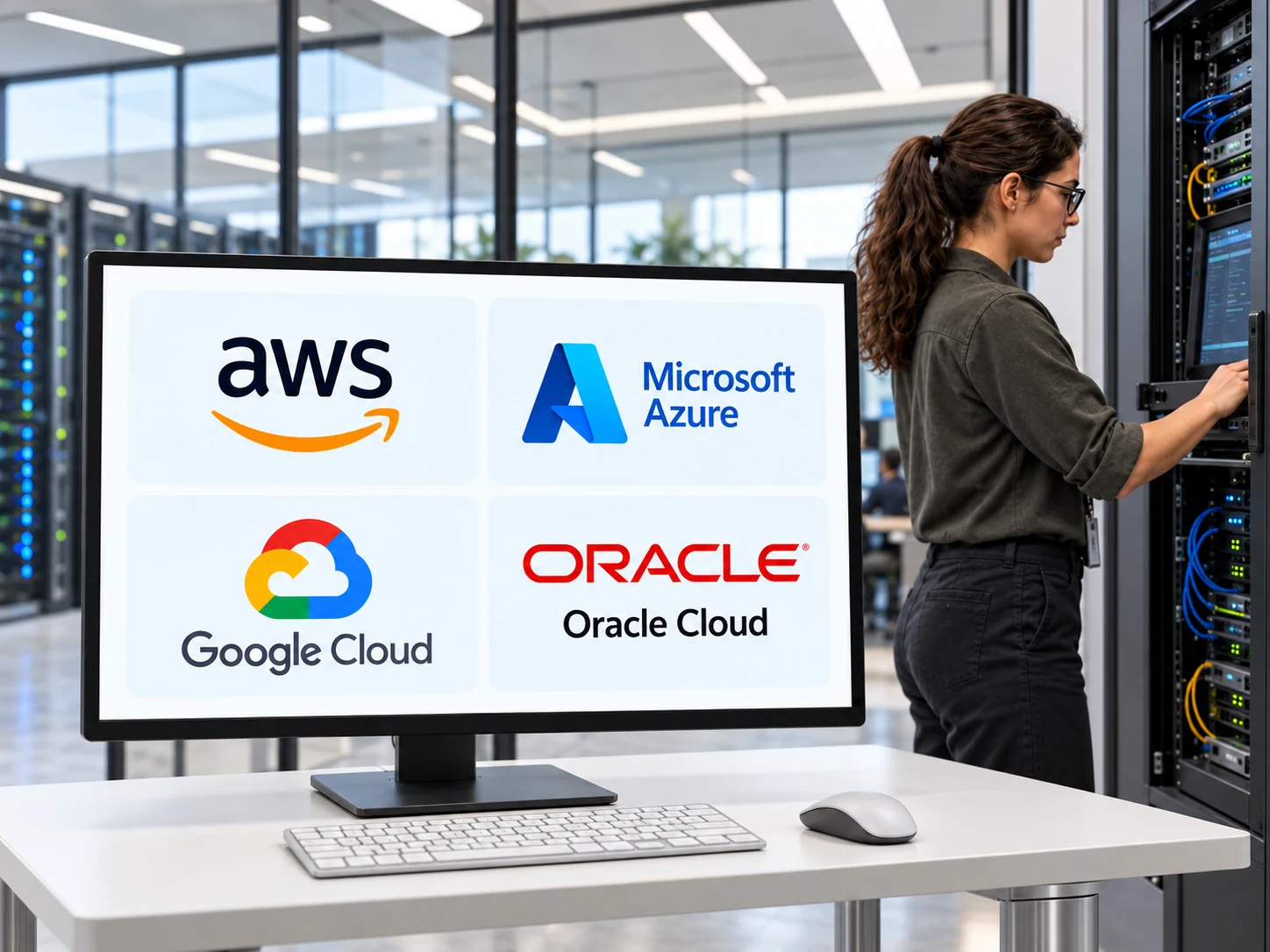
Cloud Provider-Hosted Labs
Powered by ReadyTech AxisTurn your AWS, Azure, GCP, or Oracle Cloud Infrastructure account into a hands-on training delivery platform without making your training team manage everyday lab tasks through a complicated cloud console.
Schedule lab environments for learners to securely access, then shut down resources automatically to help reduce cloud provider costs. Keep the cloud provider you already use, with ReadyTech’s flexible pricing and no long-term contracts.
Explore Cloud Provider-Hosted Labs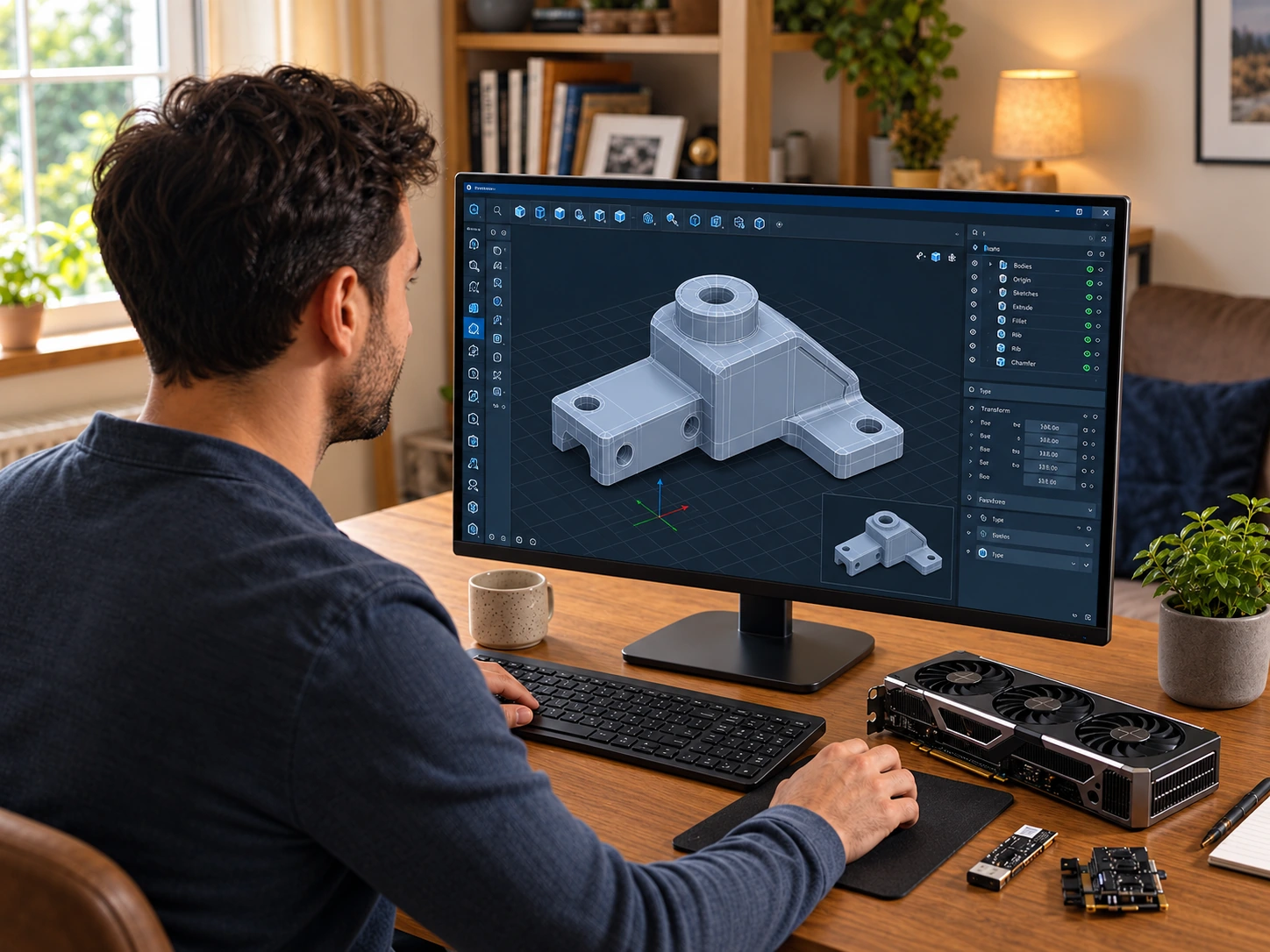
Local Labs
Deliver training on SaaS applications, locally installed software, or use local hardware such as GPUs, USB devices, license dongles, printers, and scanners. Learners use their own desktops or laptops without needing a separate cloud virtual machine.
Keep internal applications and data within your network. Instructors can monitor screens and request shared control with learner approval. No VPN or firewall changes required.
Explore Local Labs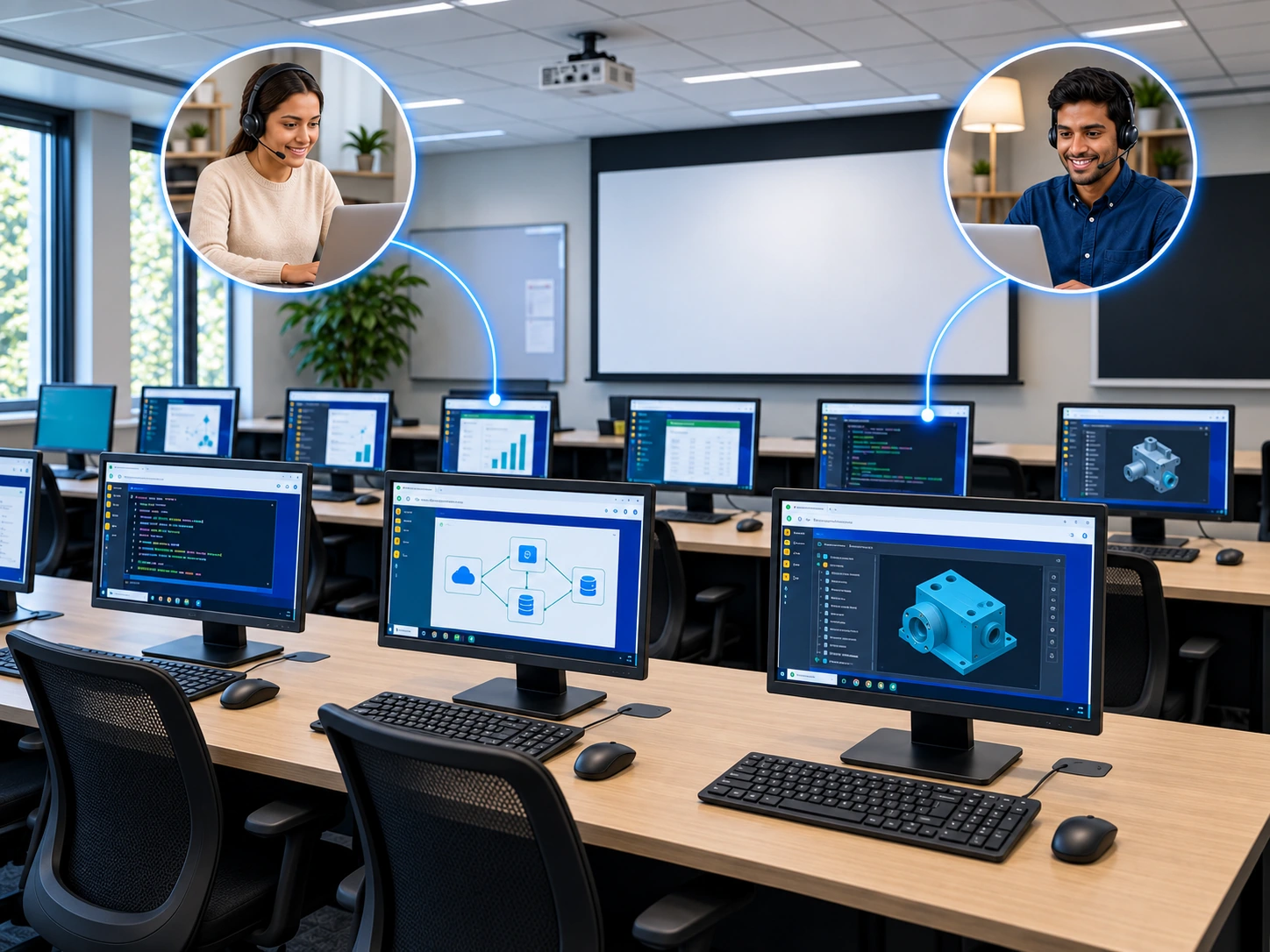
In-House Labs
Use on-premise classroom computers, servers, virtual machines, and specialized equipment for hands-on training. Learners connect securely through their browser while instructors monitor progress and take or share control to help.
Keep systems and data within your network. No RDP, VNC, or VPN required, and no firewall changes.
Explore In-House Labs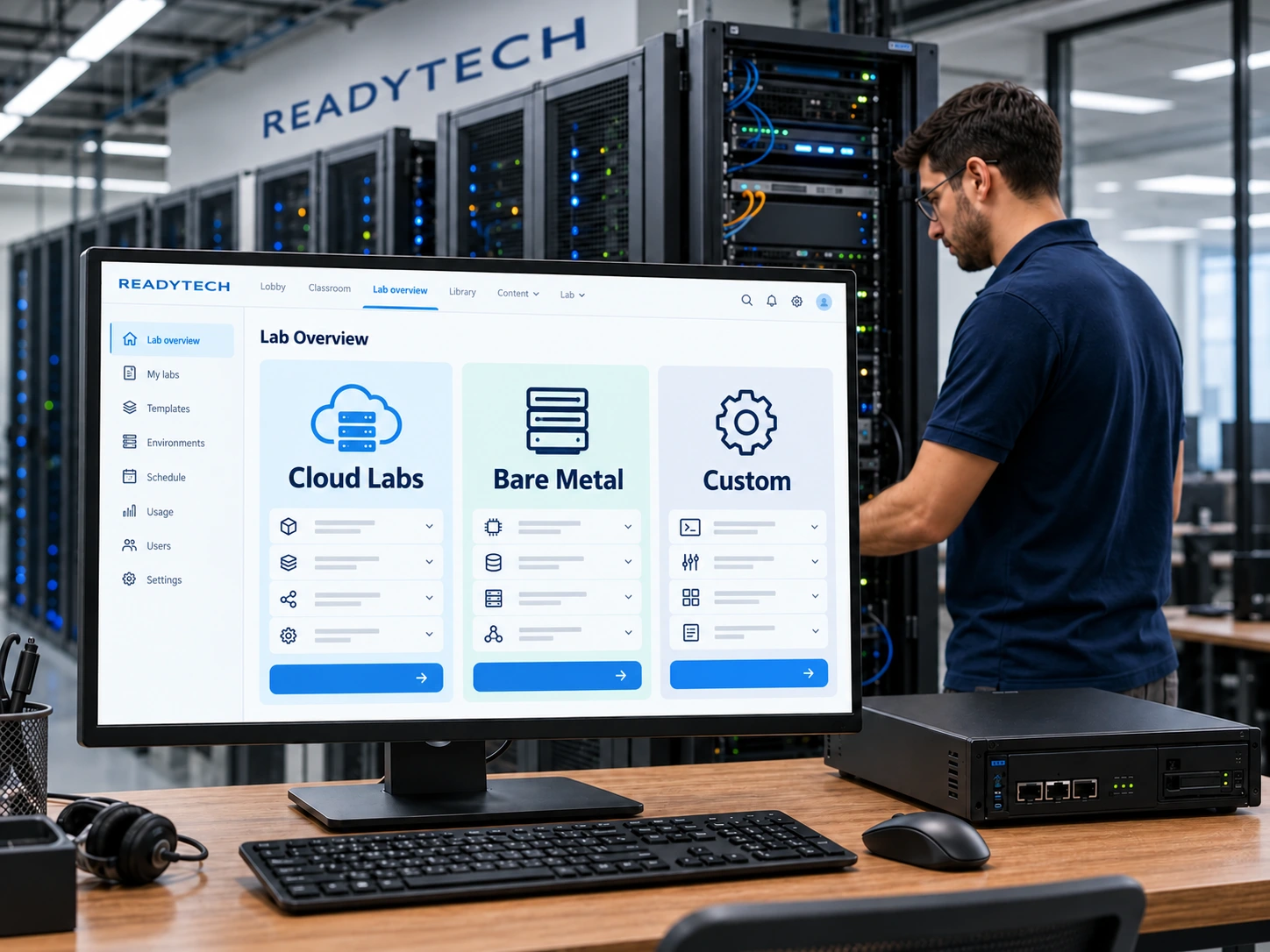
ReadyTech-Hosted Labs
Build the training environments your courses need while ReadyTech manages the infrastructure behind them, reducing the hosting and maintenance work for your team.
Choose managed cloud labs or dedicated bare-metal servers for courses that need more computing power or advanced virtualization. Custom hardware options support training that depends on specialized equipment.
Explore ReadyTech-Hosted LabsExplore the lab environments and find the right starting point for your training.
Learn More About Virtual IT LabsWhat instructors and training teams say about ReadyTech.
Based on 233 reviews on G2
“ReadyTech allows you to host a training site without having to maintain individual servers or technology. Attendees can access it via an internet browser, and the system is very user-friendly.”
“It’s easy to use for instructors and students. After receiving the login codes, it’s just a couple of clicks and your class is on its way. Support, when rarely needed, is right on top of correcting the issue.”

“Support gets back to my emails in minutes, and chat support responds in less than a minute. The UI is intuitive, and it’s not hard to create classes. I also love the lab manager!”

One Connected Platform
Prepare courses, teach live sessions, support learners in their labs, and review training from one place.
ReadyTech brings the classroom, hands-on labs, course materials, instructor tools, analytics, and support together. Use them for virtual instructor-led training and self-paced learning, with the lab options your courses need.
Keep course templates, presentations, materials, schedules, and lab access settings together. Define the setup once, then reuse it for future classes.
Schedule lab availability, assign learner access, and check deployment status before training starts. Spend less time repeating preparation for every course delivery.
Explore Lab Management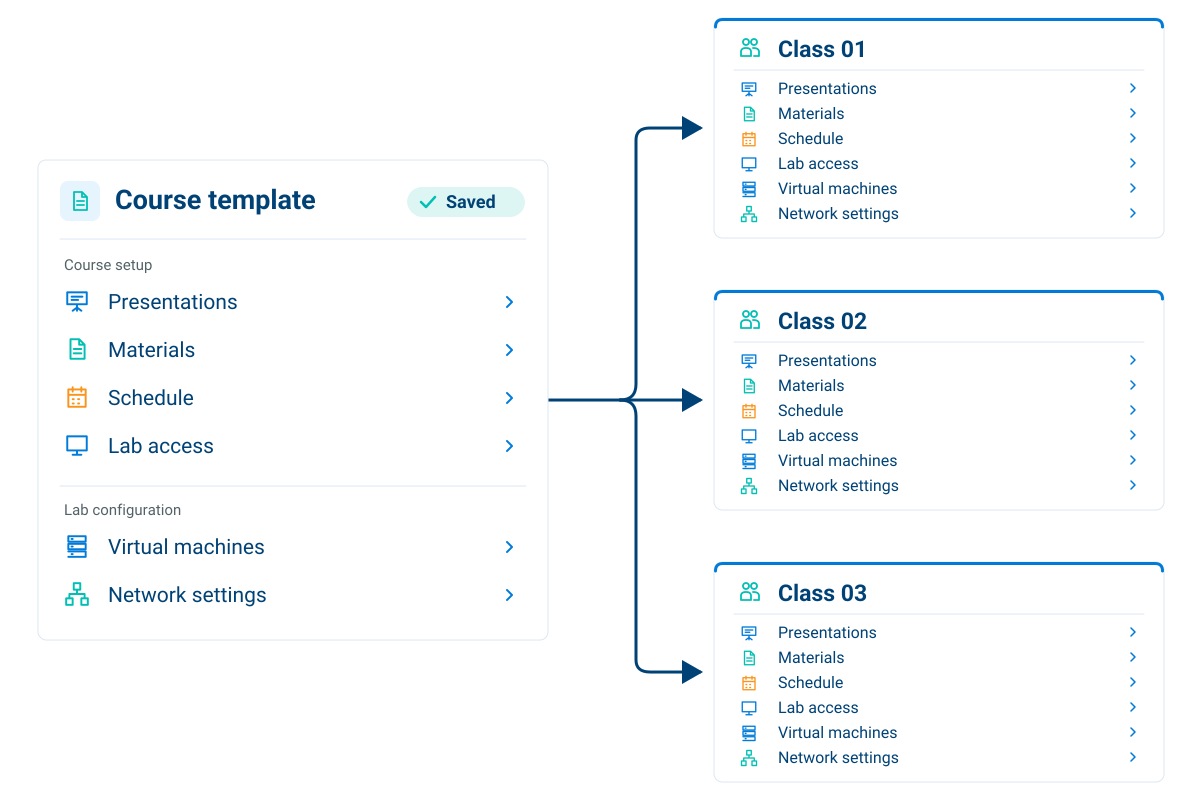
Teach in the browser-based Virtual Classroom, with live instruction, course materials, learner participation, and hands-on labs together.
Organize presentations, demonstrations, lab exercises, activities, and breaks in the presentation timeline. Compare planned and actual timing and adjust the remaining schedule as you teach.
Use surveys, tasks, exams, and polls to gather feedback, structure practice, and check understanding.
Explore the Virtual Classroom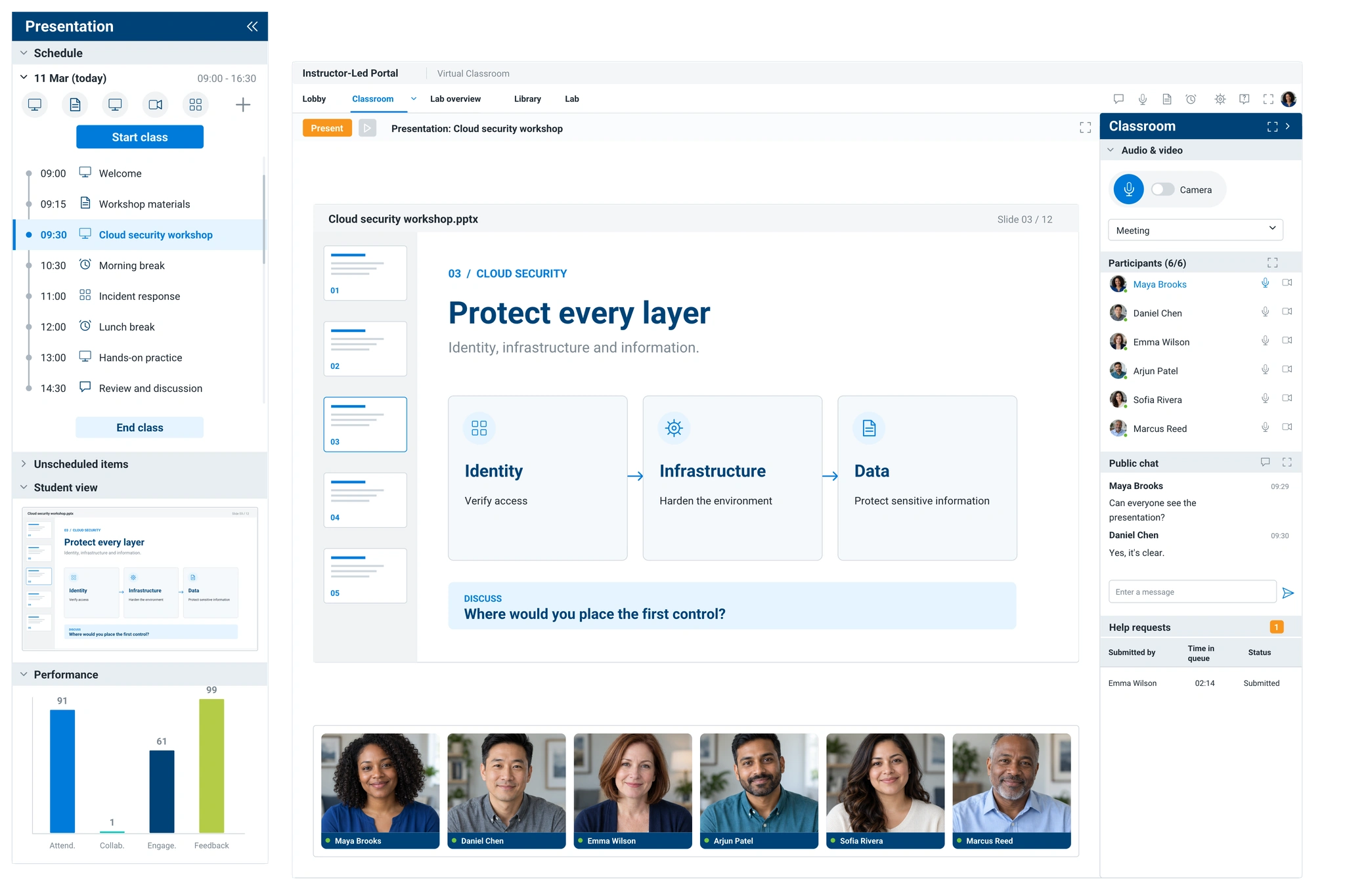

Keep virtual instructor-led training on track
View learner lab screens in real time across the class so you can see what is happening and identify who may need help.
Open an individual environment and take or share control to explain a step or work through a problem. Transfer files or reset supported labs when needed, while the rest of the class continues working.
Explore Lab Overview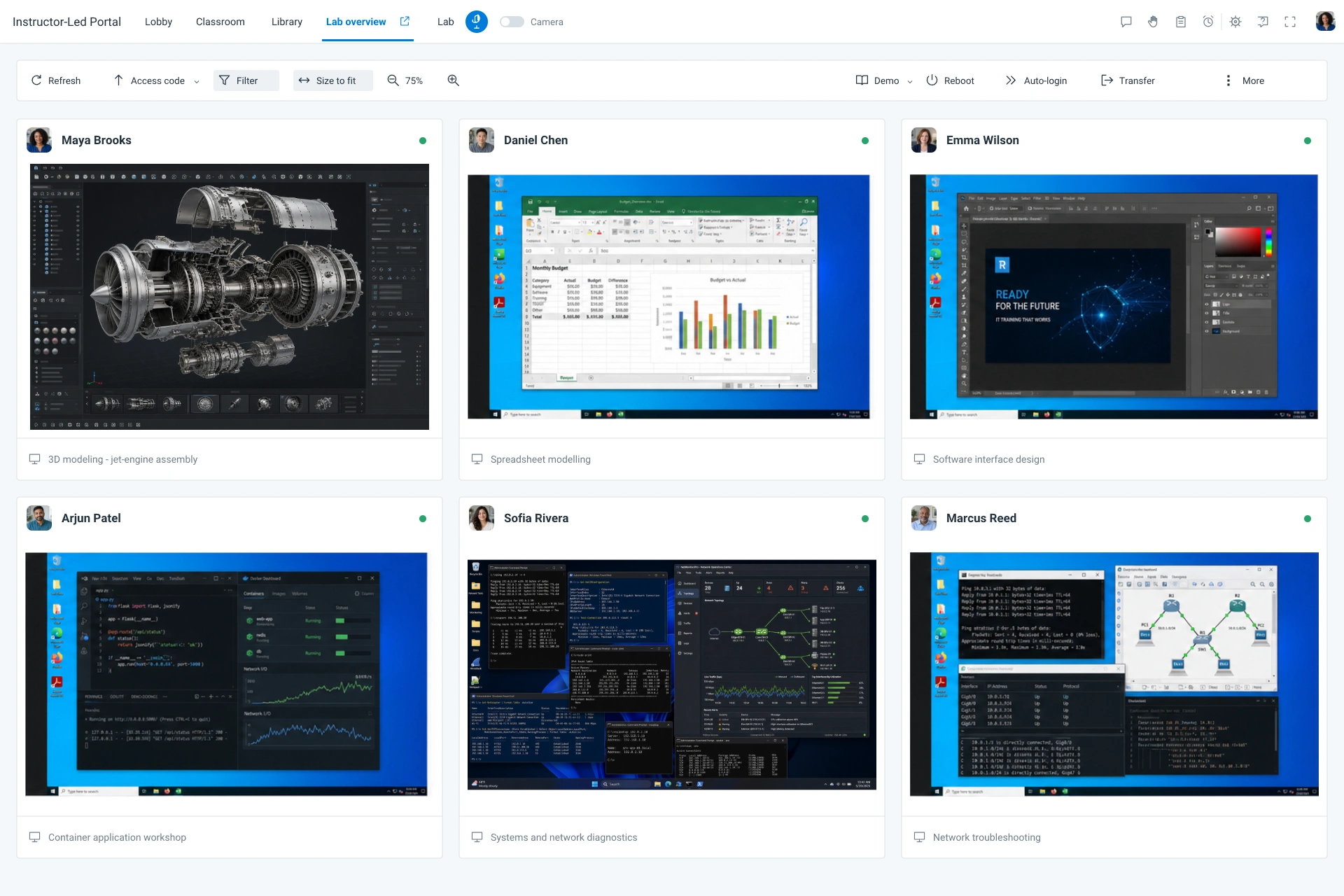
Review attendance, engagement, collaboration, and learner feedback during and after training.
Use the performance data to adjust course content, pacing, and activities, and identify where additional practice or support may help learners.
Explore Training Analytics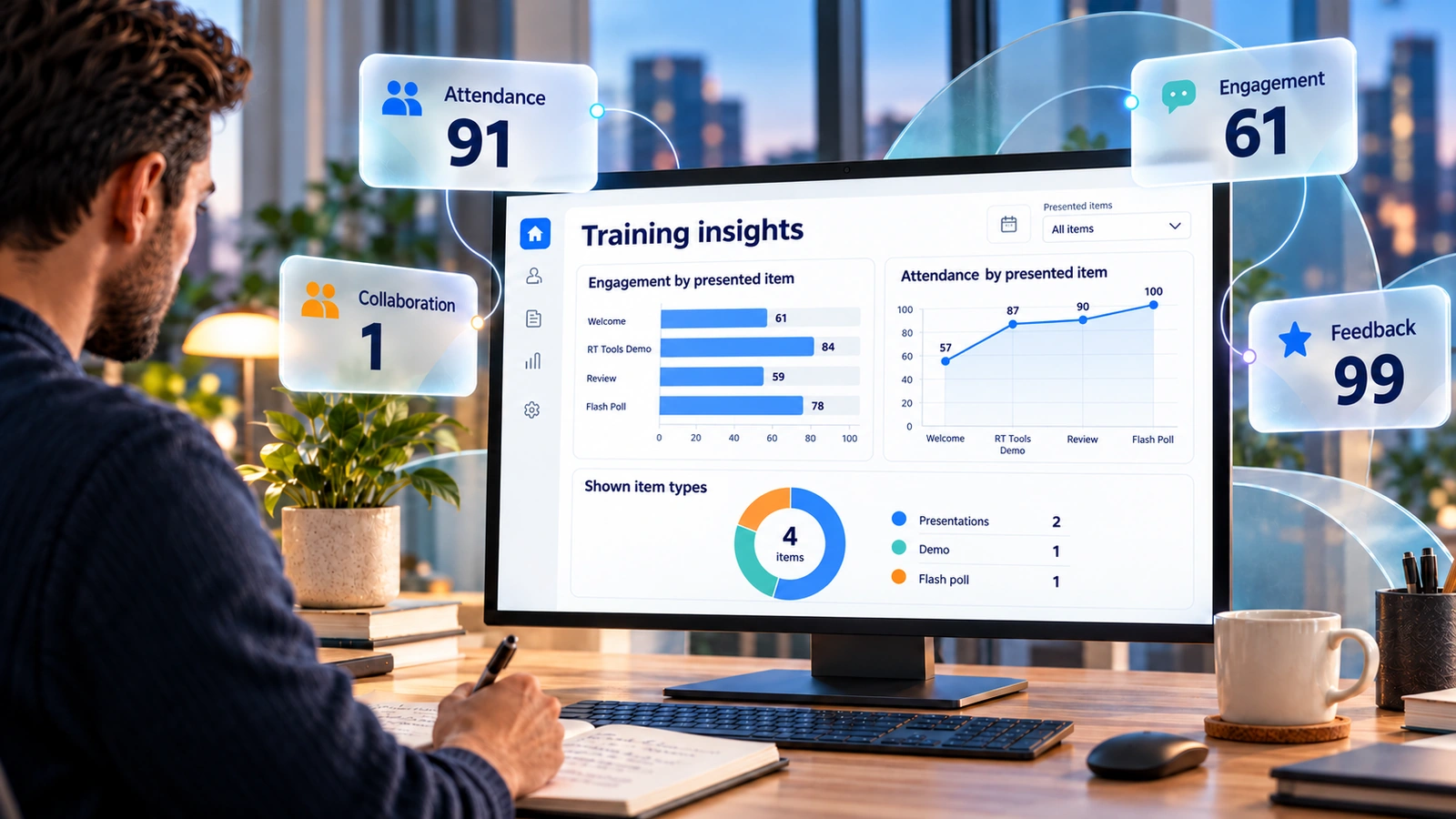
Training-team leaders use ReadyTech to cut costs, scale globally, and ship hands-on training without the infrastructure tax.
Johnson Controls moved their global technical training to ReadyTech replacing shipped hardware, on-site instructors, and a patchwork of meeting tools with browser-based hands-on labs and live VILT.
Johnson Controls
83%
Training delivery cost reduction
Result from the Johnson Controls case study

Customer Results


93%
of students served through virtual classrooms
Shoptech moved from face-to-face training to ReadyTech virtual classrooms, closing two physical training facilities.
Read the Shoptech Story

300%
increase in students trained, 2011–2016
Epicor moved classroom training to ReadyTech virtual environments, expanding access to its courses for customers worldwide.
Read the Epicor Story
8,000+
learners trained across 50 countries
Documentum standardized on ReadyTech so its hands-on labs run the same for every learner, with lab setup handled centrally.
Read the Documentum StoryTraining Support
ReadyTech provides 24/7/365 live support for instructors, learners, and administrators.
Get help with classroom access, lab connections, and ReadyTech tools before, during, and after training. Whether you are teaching a live class or supporting self-paced learners in another time zone, someone is available to help.
Explore Training Support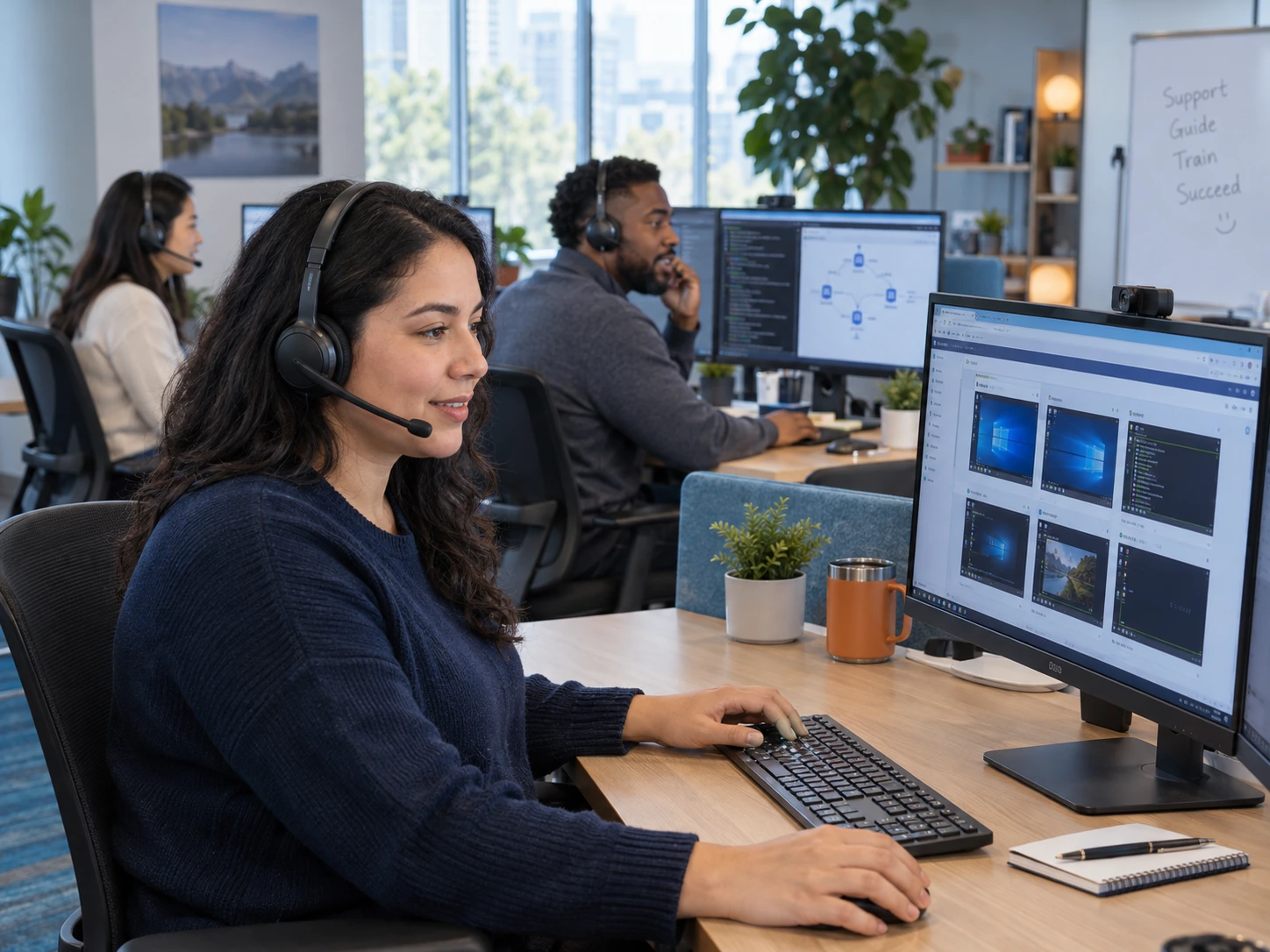
Support gets back to my emails in minutes and the chat support is less than a minute.
InterSystems
Joseph Kambourakis
ReadyTech awards · Fall 2026


Pricing
Choose pay-as-you-go or month-to-month subscriptions to match your training program.
Most customers see a return on investment in 11 months. Tell us how often you train, how many learners need access, and where your labs will run. We’ll help you choose a setup and pricing option that fits your requirements.
Talk to Our Team
FAQ
A virtual training platform provides tools to deliver and manage training online. ReadyTech brings live instruction, hands-on labs, self-paced learning, course materials, lab management, instructor visibility and control, analytics, and support together in one platform.
Yes. Use your AWS, Azure, GCP, or Oracle Cloud Infrastructure account, connect on-premise systems, or let learners train on their own computers. ReadyTech can also host cloud, bare-metal, and custom hardware environments.
Yes. Local Labs lets learners work directly in your SaaS application on their own computers without a separate virtual machine. Instructors can view learner screens and request control to help, with the learner’s approval.
No. ReadyTech provides secure browser-based access to remote labs without requiring a VPN. Connections are designed to work through corporate firewalls.
The presentation timeline helps instructors manage class timing, while Lab Overview provides visibility and control during hands-on work. Training analytics supplies attendance, engagement, collaboration, and feedback data to inform changes to content, pacing, activities, and learner support.
Request a 30-day free trial, and our team will help you get started. Set up a hands-on environment for an actual course and run live classes to see learner access and experience, instructor visibility, control, and support in practice.
Our pricing is the most flexible in the business that works well for one man shops all the way to global enterprise companies. No long term commitments and scalable up and down to meet your changing training demand.
Get Started
See how the platform fits your training before you commit. Get a demo to see ReadyTech in action, or request a 30-day free trial to set up a hands-on environment, run a class, and experience the instructor tools and learner access for yourself.


